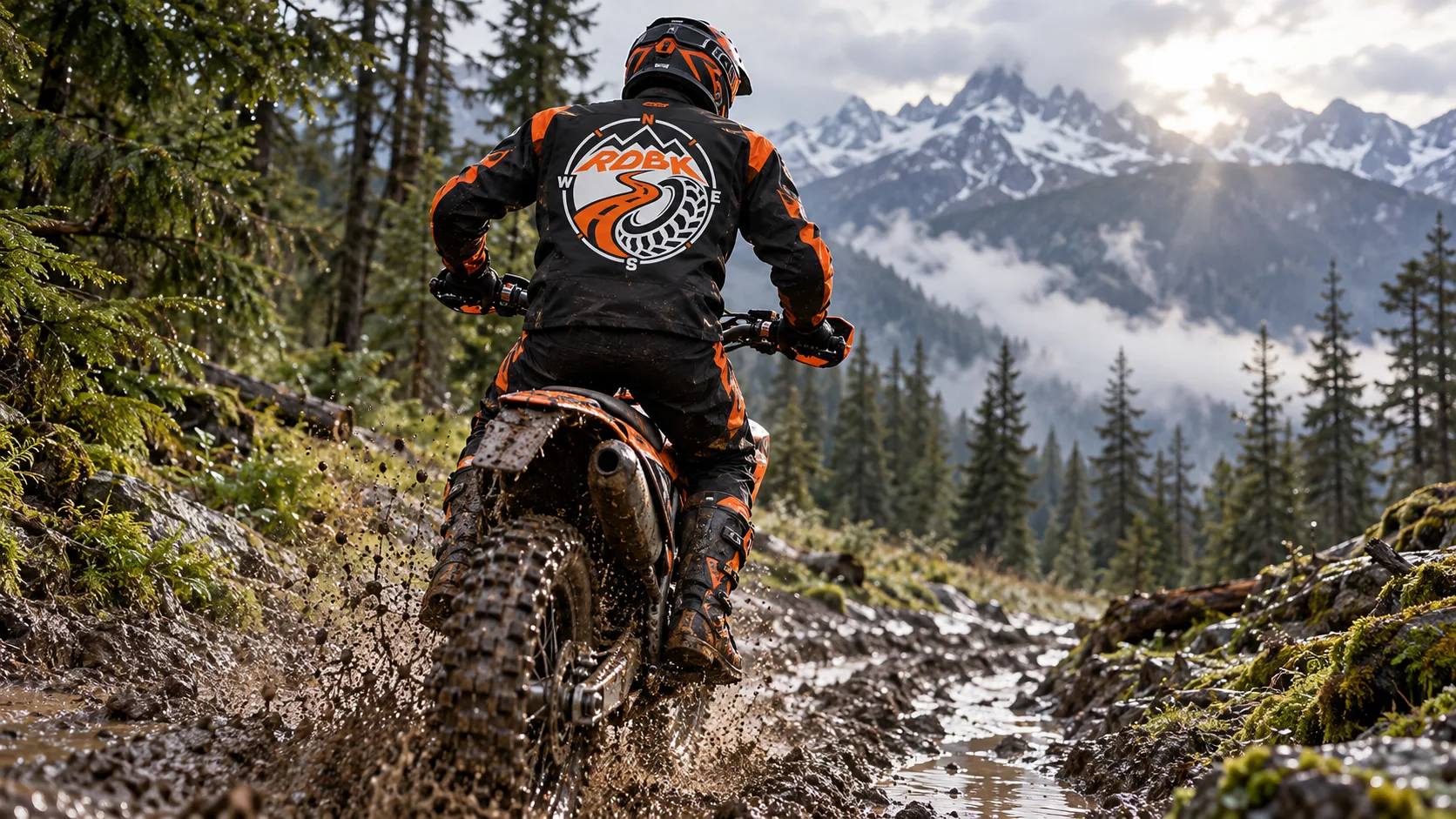
Follow your instinct
Roadbooks for moto, enduro & the next trail.
Ride the route you prepared. Capture a reconnaissance, turn junctions into tulip notes and practise reading distances and CAP headings on your next outing.
Learn to read the terrain, one note at a time.
A roadbook makes each junction part of the ride. Instead of only watching a line on the map, you work with a distance, a tulip diagram and a direction. Use RDBK to prepare an enduro loop, document an adventure-bike trip or build a route for rally navigation practice. Start with familiar tracks and add the details that make each turn recognisable.
The tools behind the adventure
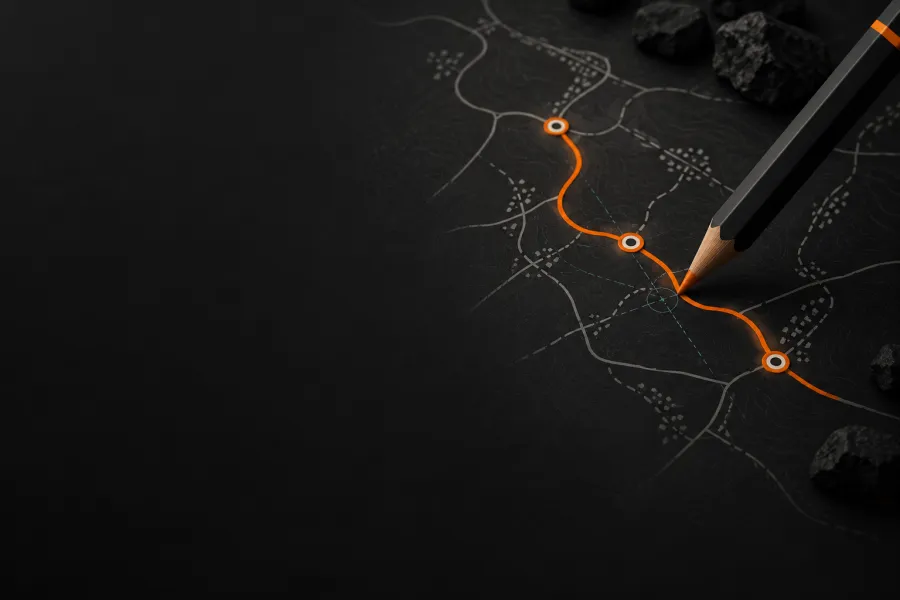
Roadbook Editor
Build from a GPX and design each junction on a large screen. Add rally symbols, CAP headings and waypoint types, then refine the notes after your reconnaissance.
Discover the Editor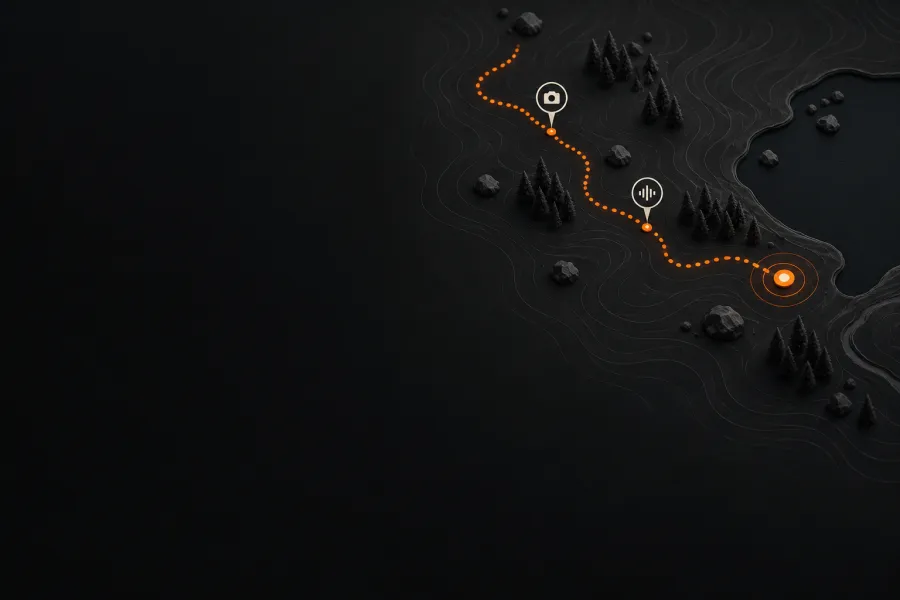
Roadbook Recorder
Record the trail with GPS and mark points with the Note button. Photos and voice notes capture details for later editing; the native app keeps recording with the screen locked.
Discover the Recorder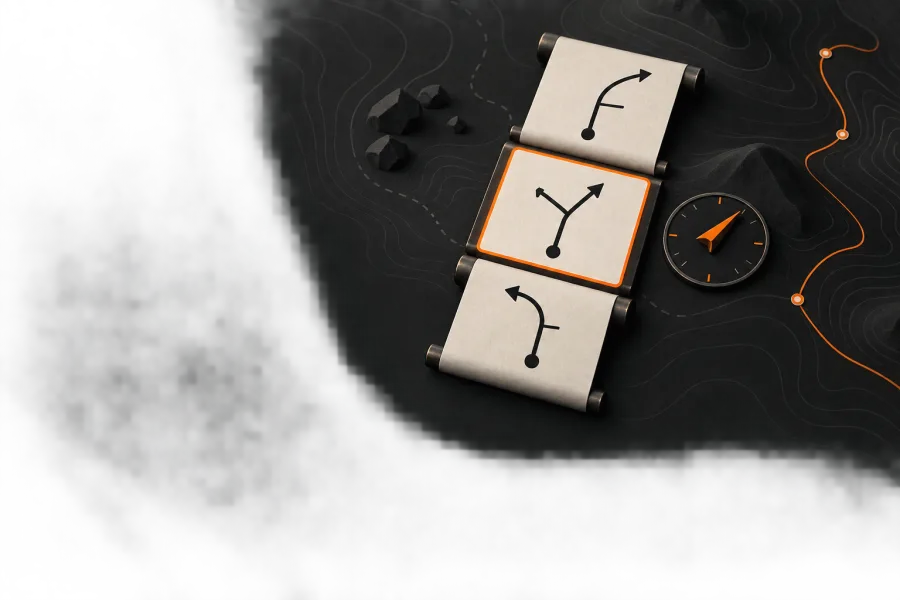
Roadbook Reader
Follow the active tulip with partial and total distance, a CAP direction bar and GPS waypoint validation. Configure a compatible handlebar remote to move between notes.
Discover the ReaderBefore you set off
Can I use a handlebar remote?
RDBK supports keyboard-style remote inputs with configurable controls. Pair your compatible Bluetooth controller with the device, configure its buttons in your profile and check them before riding. The Reader uses that mapping while navigating. Compatibility depends on the signals your controller sends.
Can I follow a roadbook without mobile data?
Open your roadbook before setting off. A .rdbk file contains its track, notes and symbols, and GPS positioning does not require mobile data. Online maps, downloading shared roadbooks and syncing your account still need a connection.
Browser or native app: which should I use?
Use the web Editor on a large screen to prepare your route. On the trail, the iOS and Android apps add background GPS, so a recording can continue with the screen locked. Use the same .rdbk roadbook across devices.